AceKeeper
테니스 경기를 실시간으로 기록하고 분석하는 스마트 스코어 트래커.
단식/복식, NTRP, 선수 프로필, 경기 이력을 한 곳에서 관리하세요.
Real-time tennis score tracking, player management, and match history - all synced across your devices.
App Store에서 Download on the App Store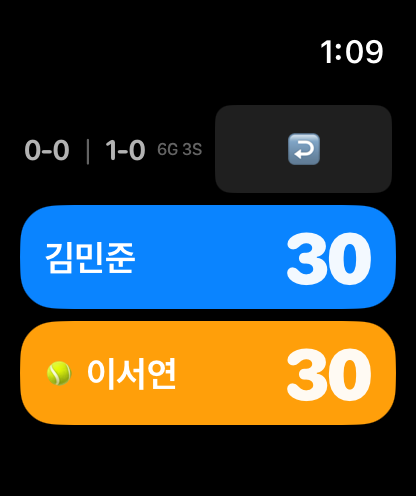
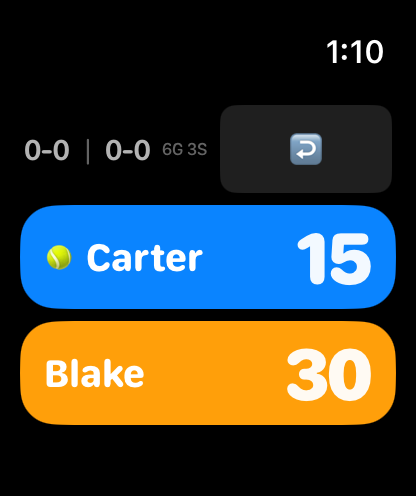
손목 위에서 바로 스코어 기록
Score Right from Your Wrist
iPhone을 주머니에 넣어두세요. 경기 중에는 Apple Watch만으로 포인트 입력이 가능합니다.
워치와 iPhone이 블루투스로 실시간 동기화되어, 어느 쪽에서 기록해도 스코어가 하나로 유지됩니다.
Keep your iPhone in your bag. During a match, track every point right from your Apple Watch.
The watch syncs with your iPhone in real time over Bluetooth, so the score stays in sync no matter which device you tap.
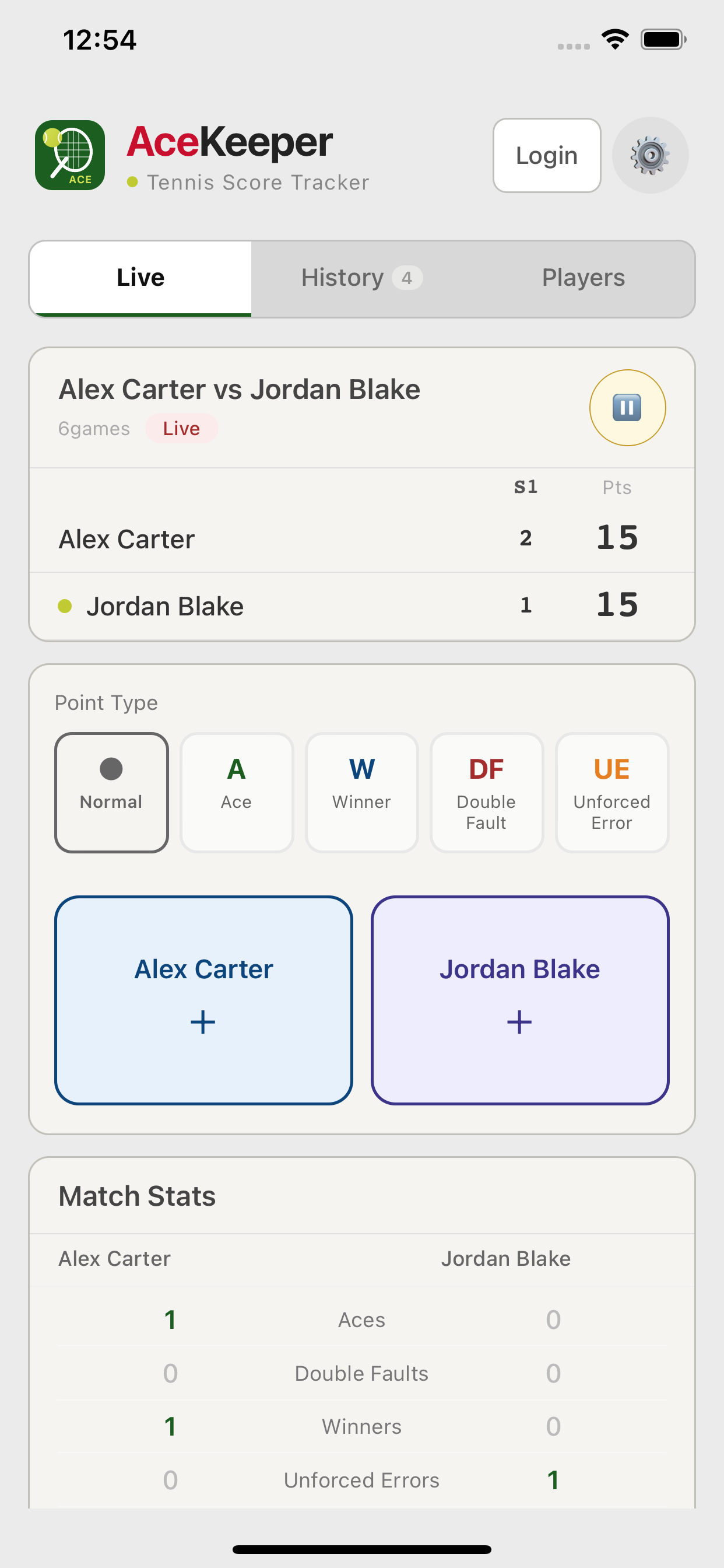
- 실시간 라이브 스코어보드 — 포인트 → 게임 → 세트 자동 계산
- 서브 순서 표시 (복식 로테이션 포함)
- 되돌리기는 길게 눌러 실행 — 손목 스침 오작동 방지
- iPhone 앱과 즉시 양방향 동기화
- Live scoreboard — automatic point, game, and set scoring
- Serve indicator, including doubles rotation
- Long-press to undo — prevents accidental wrist taps
- Instant two-way sync with the iPhone app
주요 기능
Features
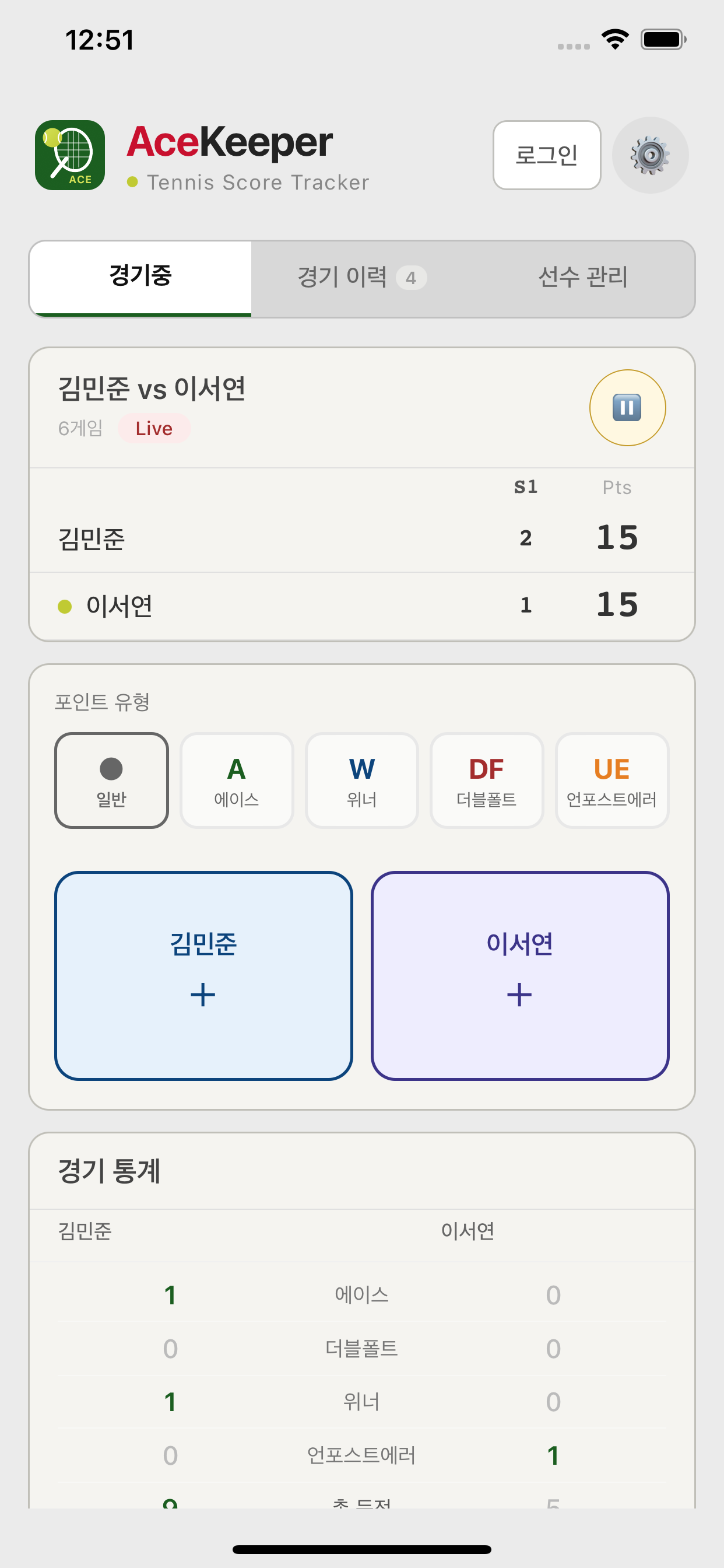
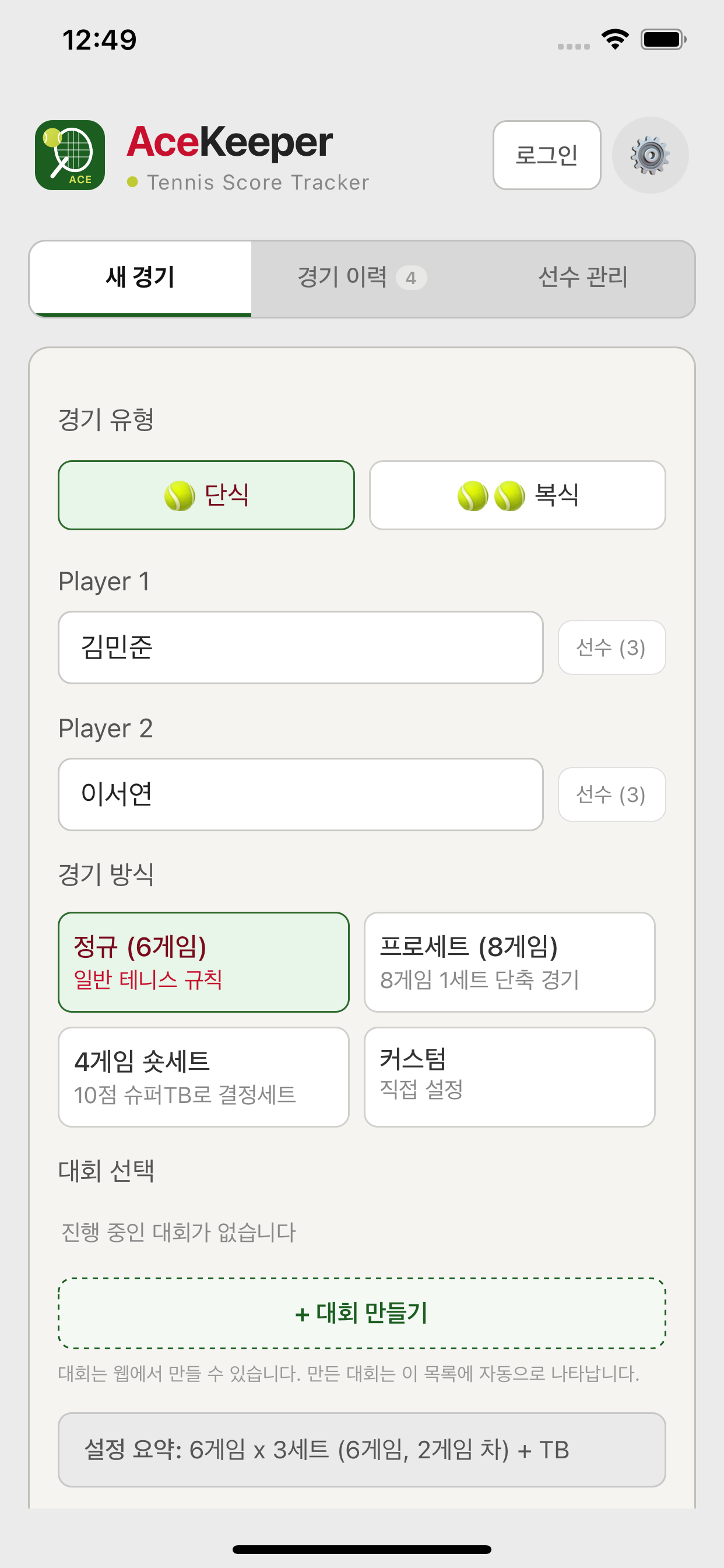
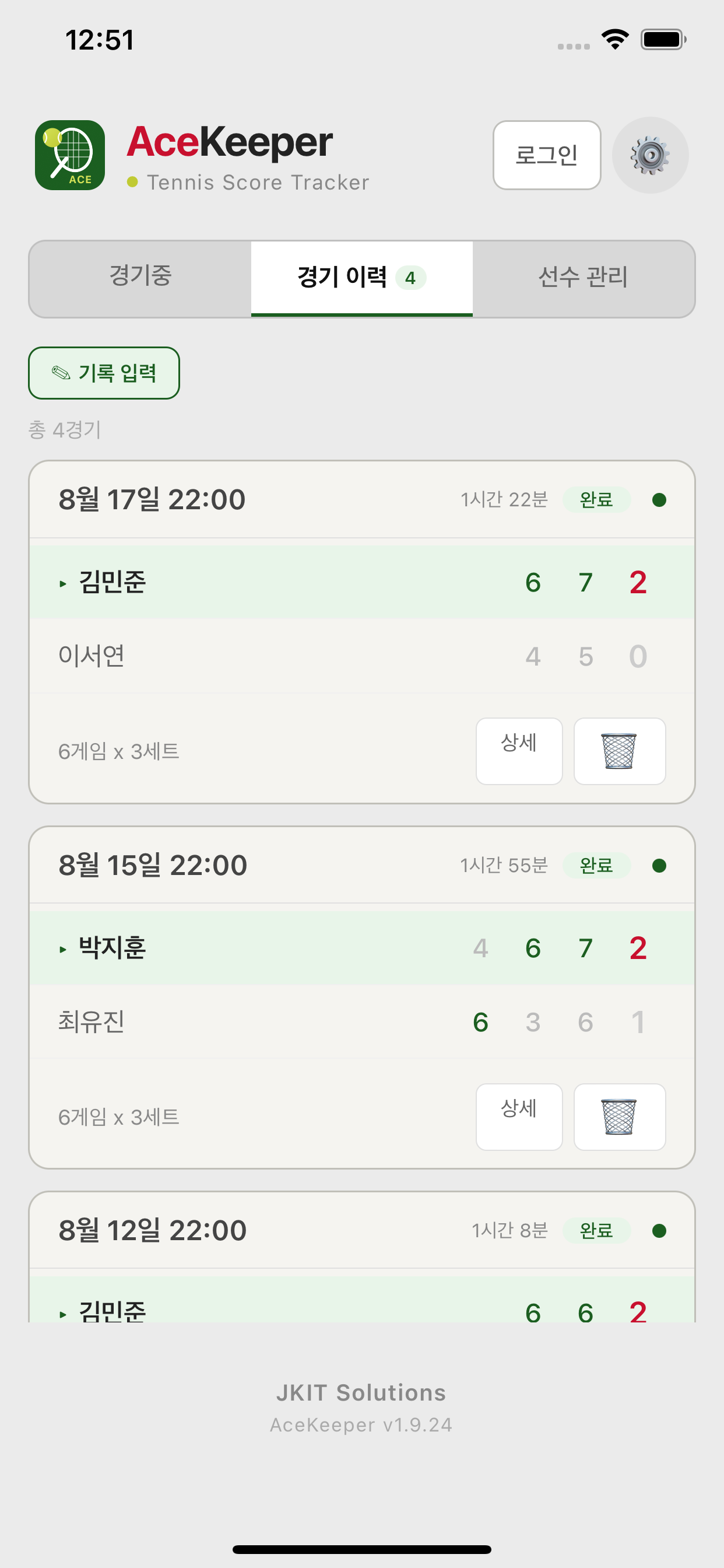
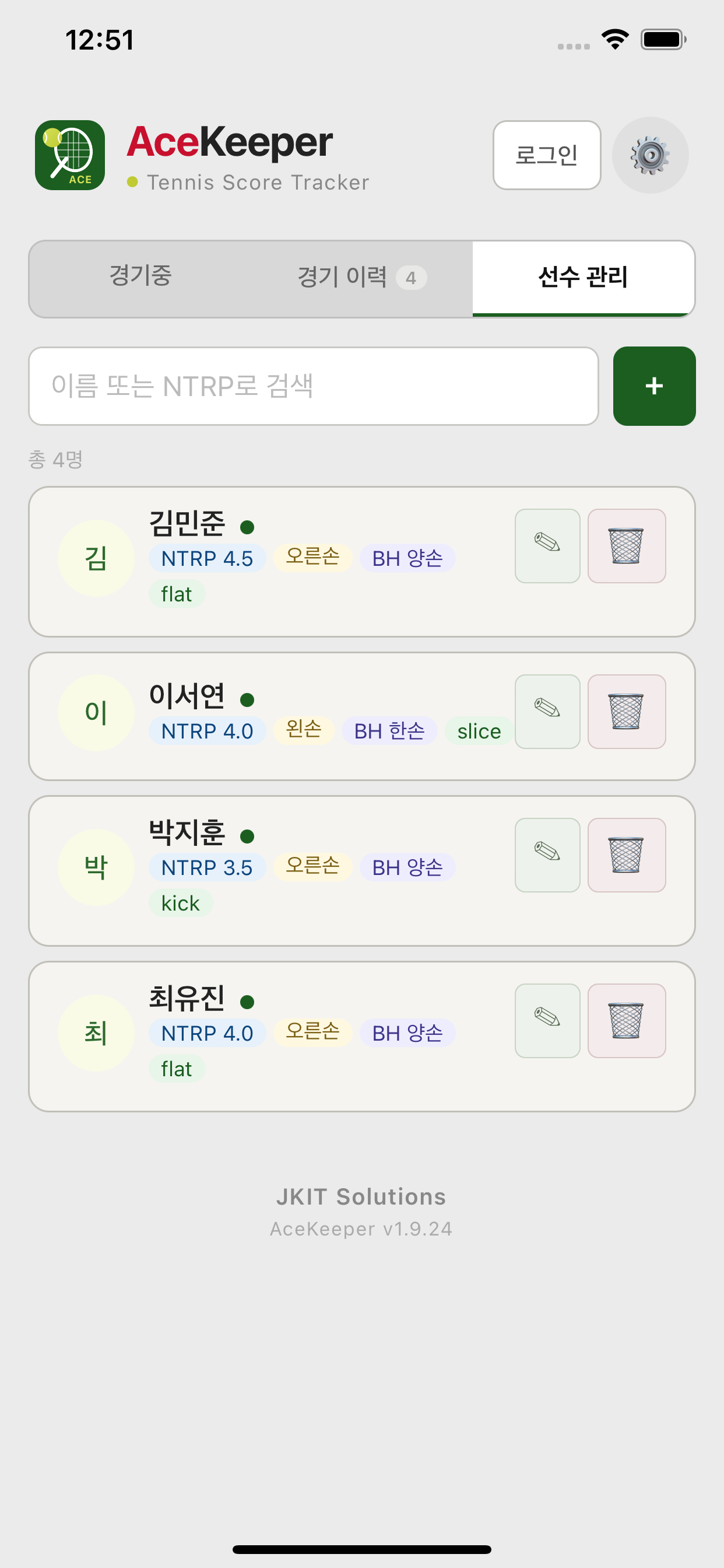
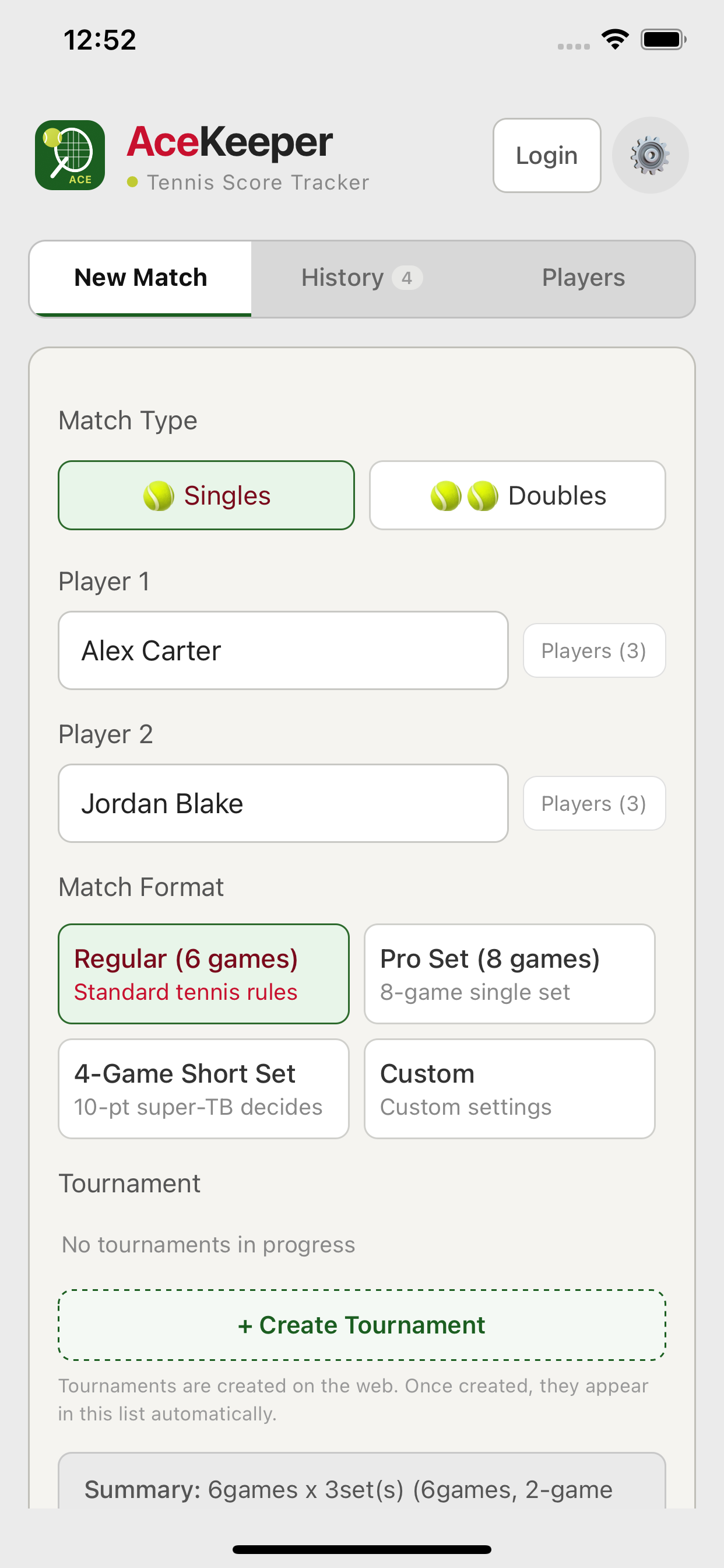
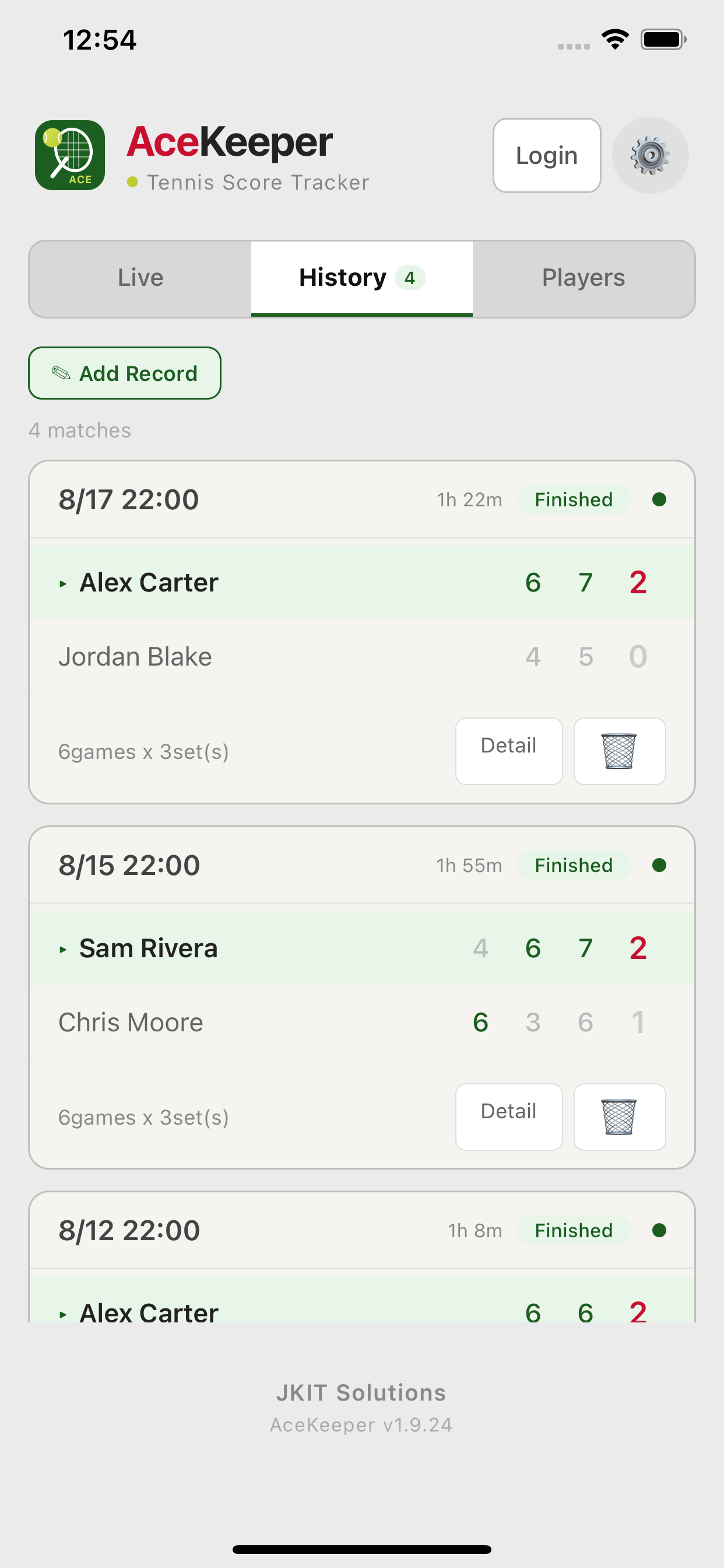
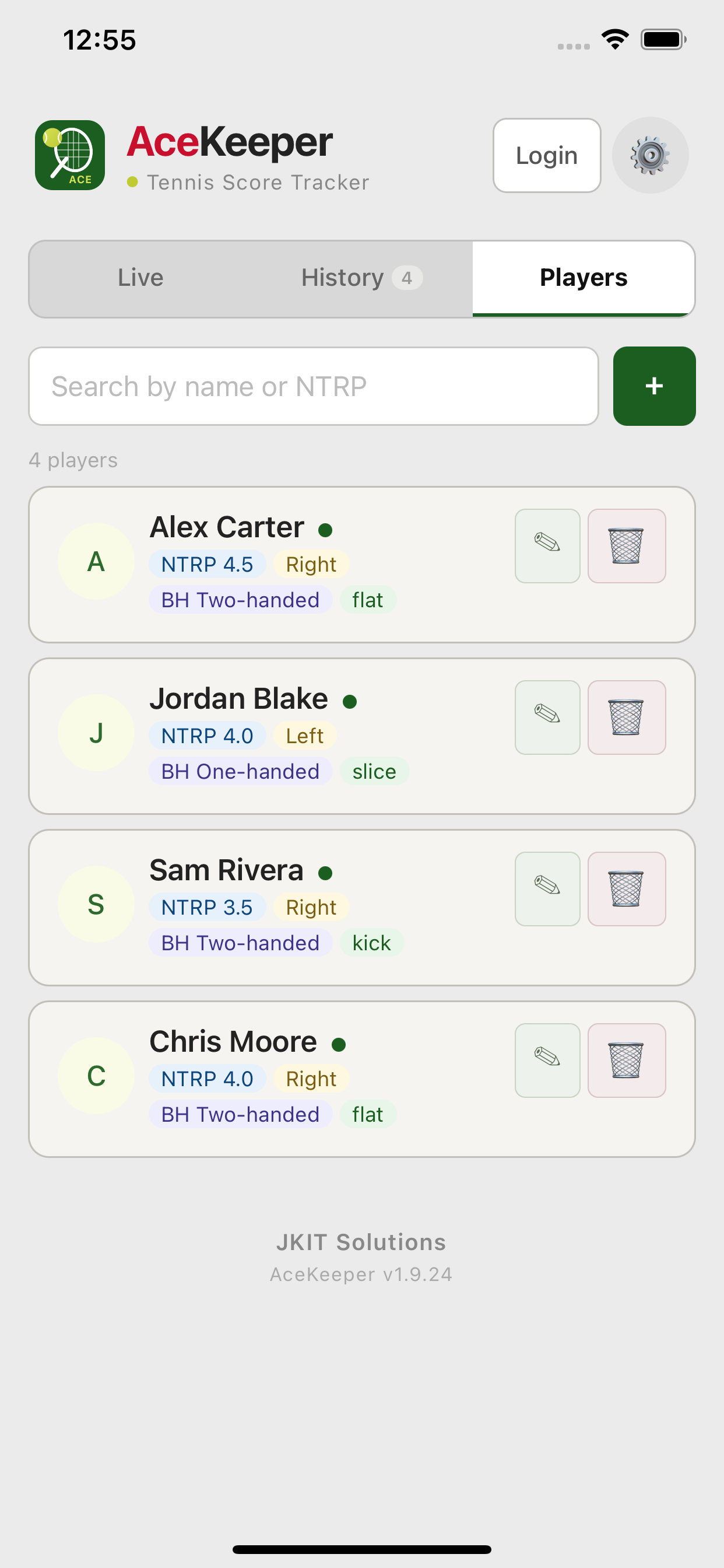
앱 스크린샷
Screenshots
FAQ
로그인 없이 사용할 수 있나요?
네, 로그인 없이도 스코어 기록, 선수 관리, 경기 이력 기능을 모두 사용할 수 있습니다. 데이터는 기기에 로컬로 저장됩니다. 로그인하면 클라우드 동기화 기능이 활성화됩니다.
Can I use the app without logging in?
Yes. All core features work without an account. Data is stored locally. Log in to enable cloud sync.
경기 데이터를 다른 기기에서 볼 수 있나요?
Google 또는 Apple 계정으로 로그인하면 데이터가 서버에 자동 동기화됩니다. 다른 기기에서 같은 계정으로 로그인하면 데이터를 확인할 수 있습니다. 이 웹페이지에서도 로그인하면 경기 이력과 선수 정보를 조회할 수 있습니다.
Can I view my data on other devices?
Yes. Sign in with Google or Apple to sync your data to the cloud. You can access it from another device or from this web page.
Apple Watch 앱은 어떻게 사용하나요?
AceKeeper iPhone 앱에 Apple Watch 앱이 함께 포함되어 있습니다. iPhone에 앱을 설치한 뒤, iPhone의 Watch 앱에서 AceKeeper를 Apple Watch에 설치하세요. 경기 중에는 워치에서 바로 포인트를 입력할 수 있고, iPhone 앱과 블루투스로 실시간 동기화됩니다.
How do I use the Apple Watch app?
The Apple Watch app is bundled with the AceKeeper iPhone app. After installing on your iPhone, add AceKeeper to your watch via the Watch app. During a match you can score points right from your wrist, synced with your iPhone in real time over Bluetooth.
NTRP 레벨은 어떻게 설정하나요?
선수 등록/수정 화면에서 NTRP 버튼을 직접 선택하거나, 'NTRP 찾기' 버튼을 눌러 8문항 설문을 통해 레벨을 추정할 수 있습니다.
How do I set the NTRP level?
On the player edit screen, tap an NTRP button directly, or use 'Find NTRP' for an 8-question survey.
경기 도중 포인트를 잘못 눌렀어요.
스코어보드 화면의 Undo 버튼을 누르면 직전 포인트를 취소할 수 있습니다.
Apple Watch 앱에서는 손목 스침 등으로 인한 오작동을 방지하기 위해 되돌리기 버튼을 길게(약 0.6초) 눌러야 직전 포인트가 취소됩니다.
I accidentally tapped the wrong point.
Tap the Undo button on the scoreboard to cancel the last point.
On the Apple Watch app, you must long-press the Undo button (about 0.6 s) to cancel the last point — this prevents accidental triggers from wrist movement.
앱 외부에서 한 경기도 기록할 수 있나요?
경기 이력 탭의 '기록 입력' 버튼을 통해 앱 밖에서 진행된 경기 결과를 직접 입력할 수 있습니다.
Can I record matches played outside the app?
Yes. Tap 'Add Record' in the Match History tab to manually enter results.
대회는 어떻게 만드나요?
대회는 이 웹사이트에서 로그인 후 만들 수 있습니다. 대회 이름, 형식(단식/복식), 참가 선수를 등록하고 대진표를 생성할 수 있으며, 만든 대회는 앱의 경기 설정 화면 대회 목록에 자동으로 나타납니다.
How do I create a tournament?
Tournaments are created on this website after signing in. Set up the name, format (singles/doubles), and participants, then generate a bracket. Your tournaments automatically appear in the app's match setup screen.
계정과 데이터를 삭제할 수 있나요?
네, 앱의 설정 화면에서 '계정 삭제'를 통해 계정과 서버에 동기화된 모든 데이터를 삭제할 수 있습니다. 기기에 저장된 로컬 데이터는 앱 삭제 시 함께 제거됩니다.
Can I delete my account and data?
Yes. Use 'Delete Account' in the app's Settings screen to remove your account and all synced data from the server. Local data on your device is removed when you delete the app.
어떤 기기를 지원하나요?
AceKeeper는 iPhone과 Apple Watch에 최적화되어 있습니다. 경기 데이터는 이 웹사이트에서도 로그인 후 조회할 수 있습니다.
Which devices are supported?
AceKeeper is optimized for iPhone and Apple Watch. You can also view your match data on this website after signing in.
문의 / 피드백
Contact / Feedback
💬 문의나 피드백을 남기려면 로그인이 필요합니다.
💬 Please sign in to leave feedback or inquiries.
로그인하면 동기화된 경기 데이터를 웹에서 확인할 수 있습니다
Sign in to view your synced match data on the web